"We Had Weekly Safety Meetings" Means Nothing Without Proof
Your contract says subs must conduct weekly toolbox talks. You think you're covered. Then the incident happens.
"I Was Never Trained"
Worker gets injured. Claims he wasn't trained on the hazard. Your lawyer asks: "Where's the attendance record?"
You call the foreman. He says: "Yeah, we covered that. I have it somewhere."
Three days later: unsigned PDF that could've been created yesterday.
No Way to Verify Compliance
You mandate weekly toolbox talks in contracts. Your safety director manages 15 projects. 40 different subs.
How do you know talks are actually happening?
You can't. Until the lawsuit proves they weren't.
Paper Sign-In Sheets Don't Hold Up
OSHA investigator looks at your paper attendance sheets. No timestamps. No verification workers were on-site. Handwriting that could be anyone's.
"This doesn't prove anything."
The Gap Between Required and Proven
Contract language doesn't protect you. Timestamped, GPS-verified, signed documentation does. When OSHA asks "prove your subs trained workers on this hazard," you need more than "we required it in the contract."
How It Works
From topic selection to undeniable proof in minutes
Foreman Selects Safety Topic
200+ pre-built toolbox talk topics covering OSHA focus areas. Fall protection. Electrical safety. Heat illness. Trenching. PPE requirements.
AI suggests relevant topics based on:
- Project type and active trades
- Current weather (heat index, cold stress)
- Recent site incidents or near-misses
- OSHA emphasis programs
Takes 30 seconds to select. Content already written in plain language.
Warning Signs: Dizziness, nausea, confusion, heavy sweating
Prevention: Drink water every 15 minutes, take breaks in shade, buddy system
Emergency Response: Call 911, move to shade, cool with water
Present to Crew
Content written for field workers. Not safety engineers. 5th-grade reading level. Short sentences. Construction language.
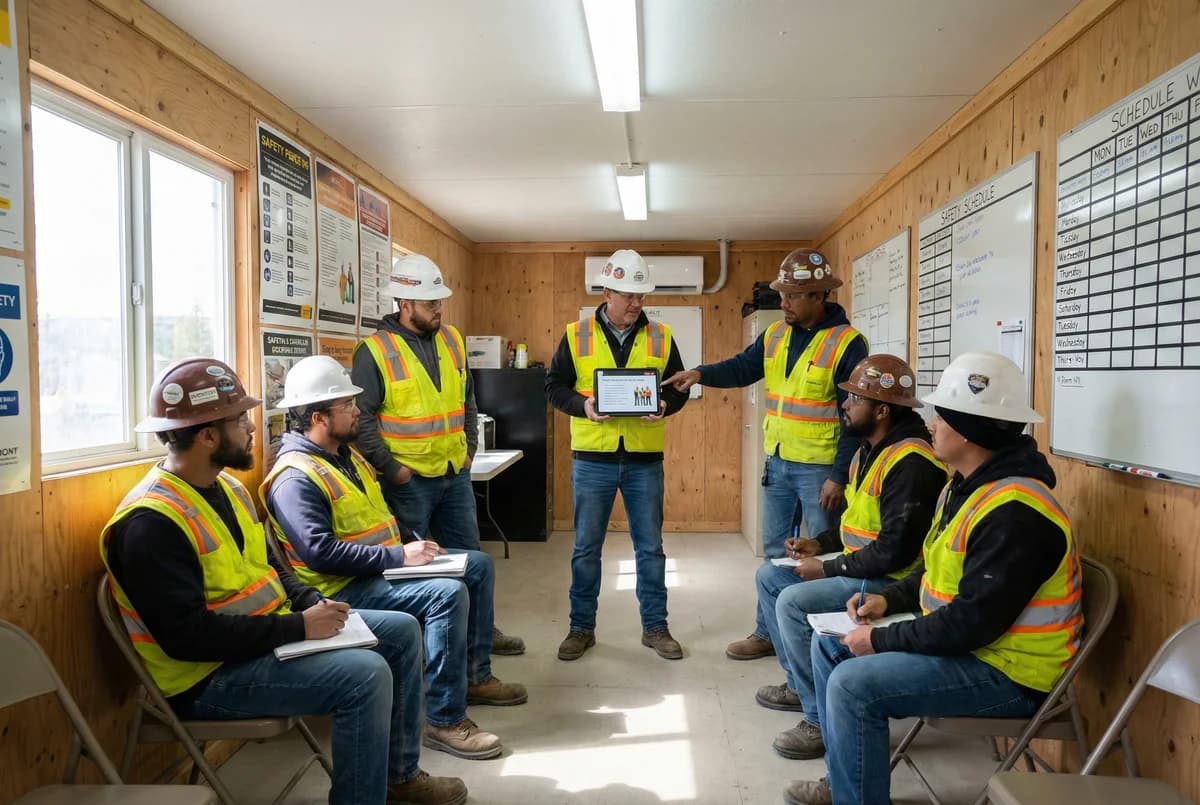
Key points displayed on phone or tablet. Foreman reads to crew. Discusses questions. Takes 5-7 minutes.
No more "we didn't know what to talk about." Content provided for them.
Digital Signature Capture
Every attendee signs on the device. Actual handwritten signature. Not just typed names.
System captures:
- Worker name and signature
- GPS coordinates (proves on-site)
- Timestamp (proves when)
- Device ID (prevents fraud)
Geofencing prevents remote signatures. Worker must be on-site to sign.
Key Features
200+ Pre-Built Topics
OSHA focus areas, seasonal hazards, trade-specific risks. Written in plain language. Ready to present. No prep work required.
AI Topic Suggestions
Recommends relevant topics based on weather, project type, recent incidents, and OSHA emphasis programs. Smart content selection.
GPS-Verified Signatures
Every signature includes GPS coordinates and timestamp. Proves workers were on-site when they signed. Geofencing prevents fraud.
Real-Time Compliance Dashboard
See which subs held talks this week. Which crews skipped them. Track compliance across all projects. Instant visibility.
Automated Compliance Alerts
Get notified when subs skip weekly talks. Alert when a crew goes 2+ weeks without training. Proactive enforcement.
One-Click Export
Export signed attendance sheets for entire year. PDF format for OSHA inspections. CSV for analysis. All documentation instantly available.
Smart Sync
Signatures and attendance queue locally if signal is weak. Data syncs automatically when connection is restored.
What You Hand OSHA During Investigations
This is the difference between "we required training" and "here's the proof"
The Scenario
Worker is injured in fall from unprotected edge.
Worker claims: "I was never trained on fall protection requirements."
OSHA investigator asks: "Show me proof this worker received training."
What You Produce
- Digital attendance record from 6 toolbox talks covering fall protection
- His signature on each attendance sheet
- GPS coordinates showing he was on-site when he signed
- Timestamps from 6:45 AM before work started
- Talk content showing fall protection was specifically discussed
- Full audit trail proving documents weren't altered
OSHA Investigator Response:
"This is the most comprehensive training documentation I've seen. The worker's claim that he wasn't trained is contradicted by his own signed attendance records. Case closed."
Zero citations issued. Workers' comp claim settled quickly due to clear documentation of training compliance.
Works With Your Existing Systems
Export to your PM platform or keep records in HazardHawk
Export Options
- PDF attendance sheets for court submissions
- CSV files for spreadsheet analysis
- API integration with Procore, Autodesk, Bluebeam
- Automated daily exports to SharePoint or Google Drive
Or Keep Separate
Many GCs prefer keeping safety documentation in HazardHawk as a dedicated safety platform.
Clear separation between project management and safety enforcement.
When OSHA investigates, export HazardHawk records separately. Clean. Professional. Complete.
Simple Pricing
Toolbox talks included in both tiers
For crew members who need to sign
- Digital signatures
- Sign toolbox talk attendance
- View assigned documents
Full access to all features
- AI-generated toolbox talks
- 200+ topic library
- All 7 document types
- PDF generation + digital sigs
- Team management
Common Questions
How long does it take to complete a toolbox talk?
5-7 minutes total. Topic selection: 30 seconds. Presentation to crew: 4-5 minutes. Digital signatures: 1-2 minutes for 10 workers. Faster than paper sign-in sheets. Better documentation.
Can workers fake attendance by signing from home?
No. Geofencing prevents remote signatures. GPS coordinates verify on-site presence. If someone tries to sign from home, GPS shows they weren't at the project location. System flags it for review.
Chain of custody maintained. Admissible in court.
What if we need to cover a topic not in the library?
Safety Pro tier ($99/user/month) includes 200+ pre-built topics that cover most safety scenarios. If you need something specific, you can request topic additions through support and we'll prioritize based on demand.
How do we track which subs are actually doing weekly talks?
Real-time compliance dashboard (Supervisor tier and above) shows:
- Which subs held talks this week
- Which crews skipped them
- Attendance rates by subcontractor
- Alerts when subs go 2+ weeks without training
Objective data for sub performance scoring and progressive discipline.
What happens to the data if we cancel?
You own your data. Period.
Export everything anytime: PDF attendance sheets, CSV files, all signatures, all documentation.
If you cancel, you get 90 days to export. After 90 days, we delete per our data policy. No lock-in. No hostage data.